MyCVStore
Recruiter-ready layouts, updated for 2026 New

The CV that gets read, in your own words

Pick a layout a parser can read, fill guided fields one section at a time, and export a print-ready PDF. Your words stay yours — the AI only rewrites what you ask it to.

  • 31 layouts in the editor, every section yours to move
  • 12 of them in the ATS builder, parser-tested
  • A4 · PDF export a hiring system can read
Two ways to build

A full editor for any CV, a separate builder for ATS ones

Both start from your details and export the same way. Pick the one that matches where you are sending the CV.

Full editor Any CV, any layout Free to write

The complete editor: 31 designs, every section, photos, colours, typeface and spacing. Build the CV exactly as you want it to look on the page.

  • Add, hide or reorder any section.
  • Photo, colour and typeface under your control.
  • Live A4 preview, edit straight on the page.
  • Export to PDF, or start from a Word template.
Open the full editor
ATS builder Three screens, parser-safe Quick start

A separate, narrower builder that only offers what an applicant tracking system can read. Choose a layout, fill guided fields, download.

  • Only parser-tested layouts — 12 of them.
  • Headings and dates in a machine-readable form.
  • No text buried in an image or a table.
  • Prompts per section, AI rewrite on request.
Start my ATS CV
How it works

Three steps, one afternoon at most

Choose a template

Filter by kind and by style. Every layout is a single column, or a two-column grid a parser reads in the right order.

12 layouts, all parser-tested

Fill guided fields

Prompts for every section, with phrasing frames you complete yourself — never sentences written for you about work you did not do.

A prompt for every section

Export and apply

Download a print-ready PDF, and keep as many tailored versions of the same CV as you have roles to apply for.

PDF, A4, text a parser can read
Build an ATS CV

What each of the three screens asks of you

The builder is three screens, in this order. Nothing is hidden behind a paywall until the download, and going back keeps everything you have written.

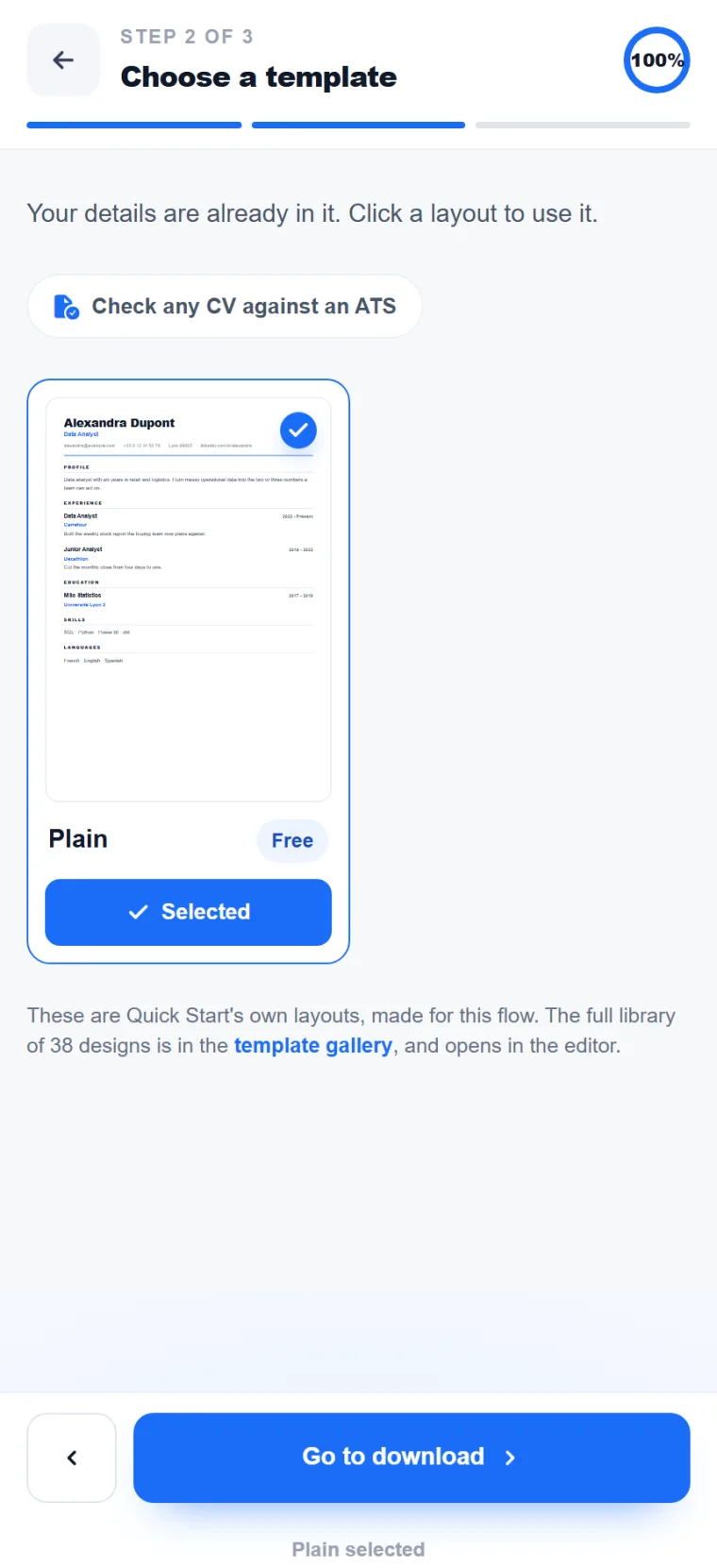
Choose a template Filter, then pick one layout
  • Four families: all, classic, photo, modern.
  • 12 layouts, each one parser-tested.
  • Switch layout later without retyping a line.
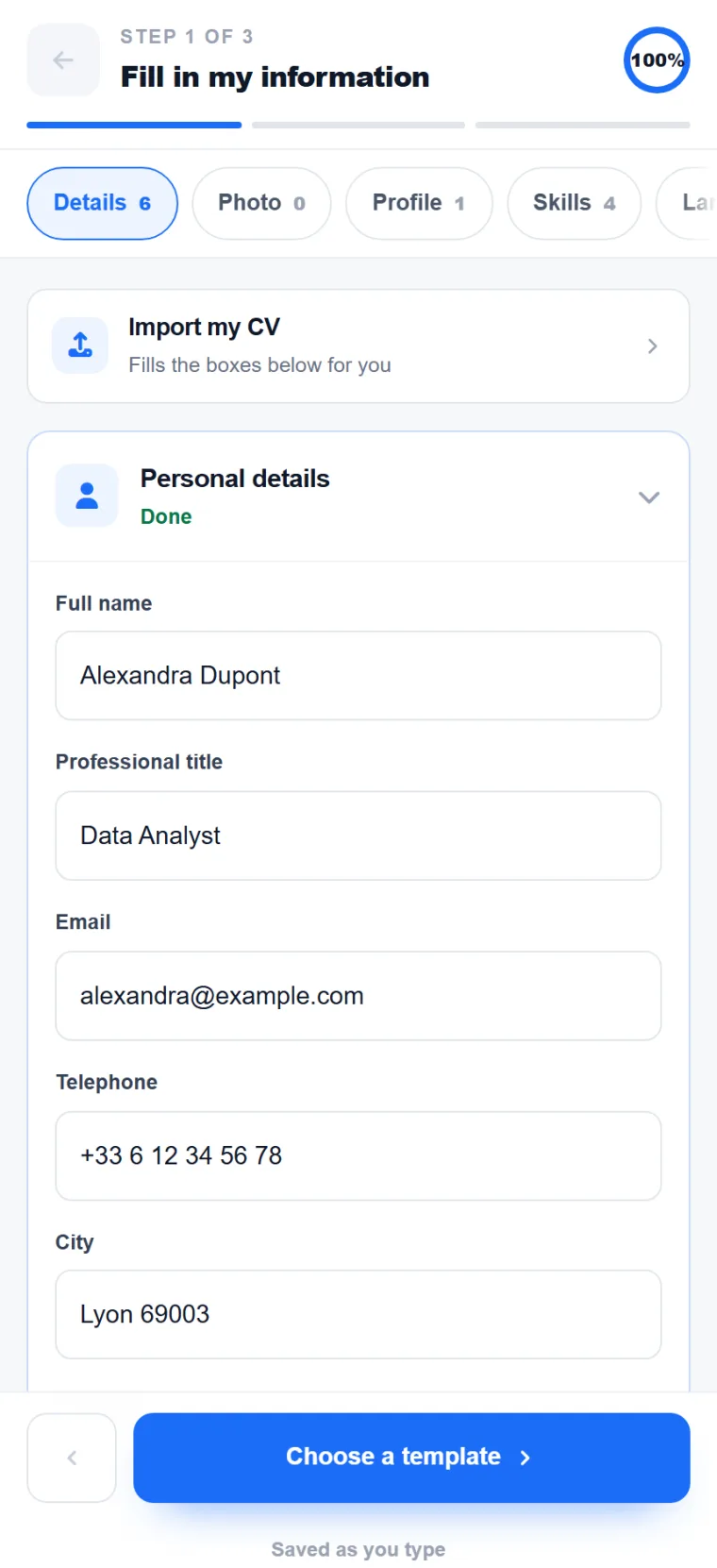
Fill in my information Section by section, live preview
  • Personal details, profile, skills, experience, education.
  • Required and recommended marked on every card.
  • Drag a section to move it, or ask the AI for a draft.
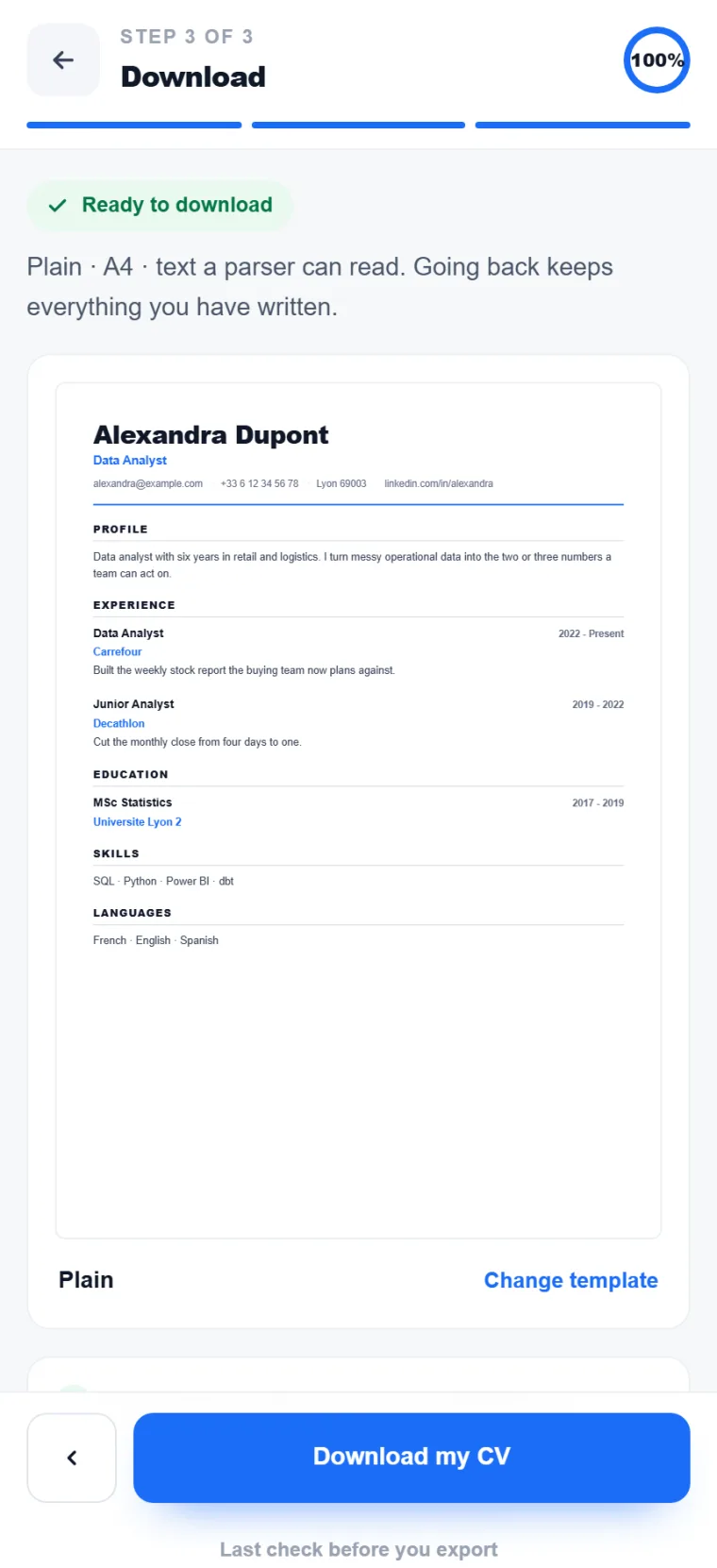
Download PDF · A4, saved to your account
  • Print-ready PDF at A4, text a parser can read.
  • The CV stays in your account for the next application.
  • Keep editing instead — nothing you wrote is lost.
Builder · Desktop

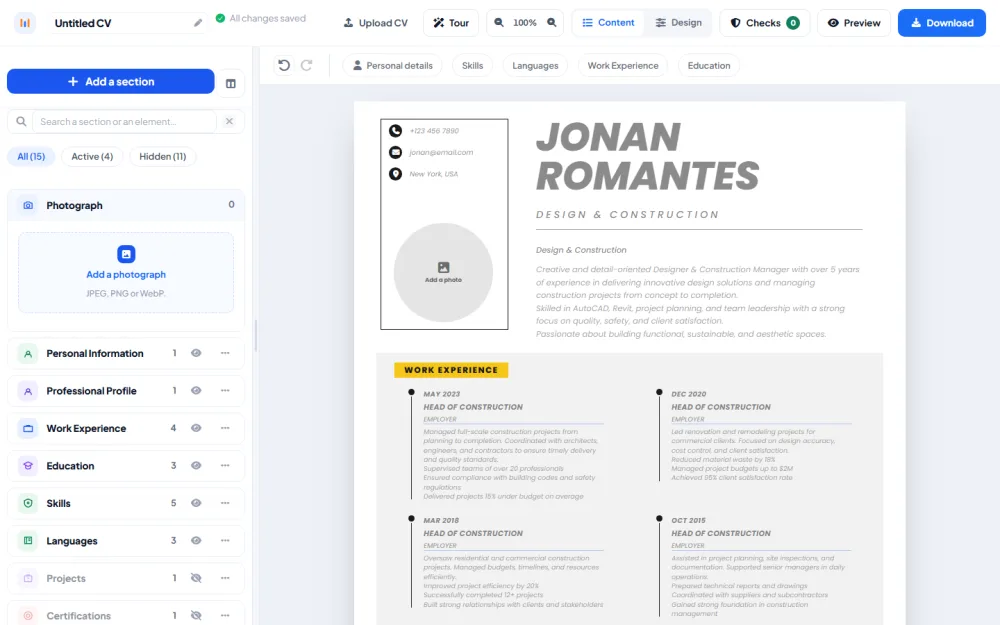
Fields on the left, the printed page on the right

On a desktop screen both halves stay visible, so every edit lands on the page as you type. Templates, typeface, spacing, layout and colour sit in one bar under the preview.

Open the builder
builder.mycvstore.com/my-documents Saved
The desktop builder: the sections panel on the left and the live A4 page beside it
Guided sections Required and recommended marked, drag to reorder. Live A4 preview Click a block on the page to edit it in place. One style bar Templates, typeface, spacing, layout, colour.
Templates

Layouts a parser reads end to end

See all 31 layouts
Latest designs

Professional CV templates for Microsoft Word

Each one is a finished layout — pick the look that fits your field, replace the sample text with your own, and send it.

See all 226 CV templates
MyCVStore helped me create a beautiful CV that got me interviews within days. The templates are amazing and easy to customize!
Daniel Johnson Product Designer
I had three tailored versions out the same evening. Switching template without losing a single line is the part I did not expect.
Amara Osei Senior Product Designer
The prompts told me what to write in each section. That was the bit I always got stuck on.
Tomás Ferreira Graduate, Civil Engineering

We would like to measure how this site is used, with Google Analytics. It sets a cookie on your device. Nothing is loaded and no cookie is set unless you agree. What we collect